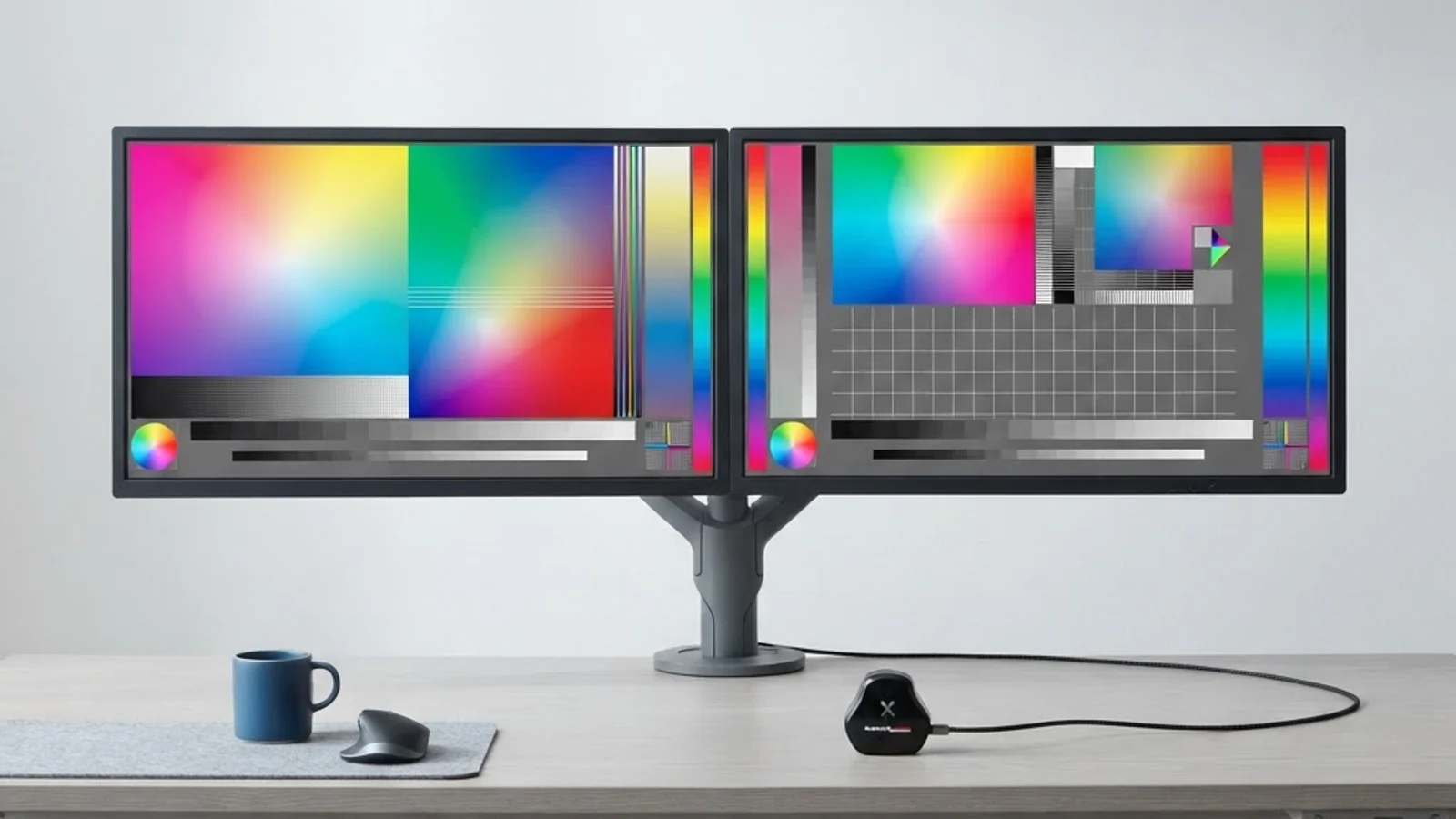
4K or 5K for Graphic Design: Which Display Resolution Wins in 2026?
Every graphic designer eventually hits the same wall: the monitor. You can have a fast machine, a calibrated color profile, and years of Photoshop muscle memory, but if your display can't render fine detail accurately, your work suffers before it ever leaves your desk. 4K refers to a resolution of 3840 x 2160 pixels (roughly 8.3 million pixels total), while 5K refers to 5120 x 2880 pixels (about 14.7 million pixels), a resolution made popular by Apple's iMac and Studio Display lineup. The gap between them isn't just a marketing number; it directly affects pixel density, text sharpness, and how much real screen space you get for palettes, layers, and canvas at once.
Quick Answer: For most freelance and studio graphic designers, a 27-inch 4K display (163 PPI) is sharp enough and far more affordable. A 5K display (218 PPI) is worth the extra cost only if you work extensively in macOS at 200% scaling, do high-end photo retouching, or need retina-level sharpness for client presentations.
How WebPeak Supports Design Teams Choosing the Right Creative Setup
Picking a monitor is only one piece of building a productive design workflow, the bigger challenge is making sure your creative output, brand assets, and web presence actually work together. WebPeak, a full-service digital agency, works with businesses worldwide to align graphic design output with real marketing and development goals, whether that means building a consistent visual identity, producing print-ready and web-ready assets from the same source files, or making sure a designer's high-resolution work renders correctly across every device and platform. Their teams routinely advise clients on the practical side of creative production, including the hardware and color-management decisions that affect final deliverables, not just the aesthetics.
Is 5K Actually Noticeably Better Than 4K for Design Work?
Yes, but the difference is about density, not raw size. At 27 inches, 4K delivers roughly 163 pixels per inch (PPI), while 5K delivers about 218 PPI, the same density Apple uses to define 'Retina' displays where individual pixels become invisible at normal viewing distance. This matters most for two tasks: reading small type at 100% zoom, and judging fine anti-aliasing on curves, icons, and vector edges. On a 4K panel, macOS users often run scaled resolutions (effectively rendering at a higher resolution and downscaling), which can introduce slight softness. On a native 5K panel, macOS renders at true pixel-for-pixel sharpness without that scaling penalty. Windows users generally see less of a gap, since Windows scaling (125%–150%) on 4K panels is well optimized and widely used across the design industry.
Key Factors That Should Actually Drive Your Decision
Instead of chasing the resolution with the bigger number, walk through these factors in order, they will point you to the right answer for your specific workflow.
- Your operating system: If you're on macOS, 5K avoids the softness of non-native scaling. If you're on Windows, 4K with proper DPI scaling looks excellent and is the more common professional choice.
- Your GPU headroom: 5K pushes 78% more pixels than 4K. Driving a 5K display at full refresh rate with multiple layered files open in Photoshop or Illustrator requires a mid-to-high-end GPU; underpowered systems will feel laggy.
- Your cable and port bandwidth: 5K at 60Hz requires DisplayPort 1.4 or Thunderbolt 3/4; older HDMI 2.0 ports cannot carry a native 5K signal, forcing you into a lower refresh rate or scaled resolution.
- Your budget ceiling: 4K monitors suited for color-accurate design work are widely available in the $300–$700 range. True 5K displays with wide color gamut coverage are a smaller, pricier category, often $1,000 and up.
- Your typical file type: Photo retouchers and illustrators working with fine detail benefit most from 5K density. UI/UX designers, web designers, and social content creators typically get diminishing returns beyond 4K, since most final output is viewed at standard web resolutions anyway.
4K vs 5K for Graphic Design: Side-by-Side Comparison
The table below breaks down the practical differences designers actually run into when choosing between the two resolutions.
| Factor | 4K (3840 x 2160) | 5K (5120 x 2880) |
|---|---|---|
| Pixel density at 27 inches | ~163 PPI | ~218 PPI |
| Typical price range (27-inch, color-accurate) | $300–$700 | $1,000–$1,800+ |
| GPU demand | Moderate; runs well on mid-range cards | High; benefits from dedicated/high-end GPUs |
| Best OS match | Windows (native scaling well supported) | macOS (true Retina, no scaling artifacts) |
| Cable requirement | HDMI 2.0 or DisplayPort 1.2+ | DisplayPort 1.4 or Thunderbolt 3/4 |
| Ideal use case | Web design, UI/UX, social content, general branding | Photo retouching, high-end print, macOS-based studios |
What the Technical Specs Tell Us About Real-World Design Work
Beyond the raw numbers, there's a practical pattern worth understanding: resolution only improves output quality up to the point where your eyes and your deliverable format can actually use it. Most final design assets, websites, social graphics, app UI, even most print work under A3 size, are produced and reviewed at resolutions well below native 5K. In practice, designers who upgrade to 5K primarily notice the benefit while working, not necessarily in the final exported file: smoother zooming, sharper on-screen proofing, and less eye strain during long retouching sessions, since individual pixels aren't visible even when zoomed close to 100%. For teams evaluating whether a creative hire needs specialized display hardware as part of their setup, it's also worth understanding the broader talent and equipment landscape; resources like this guide on starting a graphic design business outline the kind of foundational equipment decisions, including displays, that new studios budget for early on. The core expert takeaway: prioritize color accuracy (a wide, calibrated gamut with a reliable Delta-E rating) over raw resolution first, then decide between 4K and 5K based on your OS and budget, since a poorly calibrated 5K panel is worse for design accuracy than a well-calibrated 4K one.
Key Takeaways
- 4K (3840x2160) offers about 163 PPI at 27 inches; 5K (5120x2880) offers about 218 PPI, true Retina-level sharpness.
- macOS users benefit most from 5K since it avoids the scaling softness that comes with running 4K at higher effective resolutions.
- Windows users can achieve excellent results on 4K thanks to mature DPI scaling support.
- 5K requires DisplayPort 1.4 or Thunderbolt and a stronger GPU to drive smoothly with large design files open.
- Color accuracy and calibration matter more than resolution alone, a well-calibrated 4K monitor often outperforms an uncalibrated 5K one for professional design work.
Frequently Asked Questions
Do I need 5K for graphic design or is 4K enough?
4K is enough for the vast majority of graphic design work, especially web design, branding, and social content. 5K becomes worthwhile mainly for macOS users doing detailed photo retouching or high-end print production where Retina-level sharpness noticeably improves the working experience.
Can my computer handle a 5K monitor for design work?
It depends on your GPU and ports. You'll need a graphics card capable of driving roughly 14.7 million pixels smoothly, plus a DisplayPort 1.4 or Thunderbolt 3/4 connection. Older laptops or budget GPUs may struggle, especially with multiple layered files open.
Is a 5K monitor worth the extra cost for freelance designers?
For most freelancers working primarily in web and UI design, the cost jump from 4K to 5K delivers diminishing returns. It's more worth it for freelancers specializing in photo retouching, fine illustration, or macOS-based print workflows where pixel density directly affects visible work quality.
Does 4K vs 5K affect color accuracy?
Resolution and color accuracy are separate specs. A 4K monitor with a wide color gamut and factory calibration will reproduce colors more accurately than an uncalibrated 5K panel. Always check Delta-E rating and gamut coverage (sRGB, Adobe RGB, or P3) independently of resolution.
Should I choose 4K or 5K if I split time between design and other tasks?
If your work is mixed, design plus video, spreadsheets, or general productivity, 4K is the more flexible and cost-effective choice, since it's better supported across operating systems, software, and hardware without requiring top-tier GPU power.
Conclusion
The 4K vs 5K decision for graphic design isn't about which resolution is objectively better, it's about matching the display to your operating system, GPU, budget, and the type of design work you actually do. If you're on Windows or working primarily in web, UI, or branding design, a well-calibrated 4K monitor will serve you reliably without the added cost and hardware demands of 5K. If you're on macOS and doing detailed retouching or high-end print work, 5K's native Retina sharpness is a genuine, noticeable upgrade. Whichever you choose, prioritize color calibration first, that single factor affects the accuracy of your work more than the resolution number ever will.