A few years ago, filling a website with custom visuals meant either commissioning a photographer, hiring an illustrator, or settling for stock photos everyone else was already using. Today, a designer can generate a bespoke image in seconds by typing a prompt. AI image generation has become one of the most powerful — and most misused — tools in the modern web design toolkit.
Used well, AI-generated images let small teams produce unique, on-brand visuals quickly and affordably. Used carelessly, they flood the web with the same uncanny, generic imagery and can create real legal and ethical problems. This guide walks through the best practices for using AI-generated images in web design: how to keep quality high, stay on the right side of ethics and copyright, protect performance and SEO, and make sure the results genuinely serve your brand rather than cheapen it.
Table of Contents
- Where AI images fit in web design
- Quality first: avoiding the generic look
- Keeping images on-brand
- Ethics, copyright, and disclosure
- Performance and file optimization
- SEO and accessibility considerations
- When to use real photography instead
- Frequently asked questions
- Final thoughts
Where AI Images Fit in Web Design
AI-generated images are best understood as one option among several, not a replacement for every visual need. They shine in specific situations: creating unique background textures, generating concept illustrations, producing hero visuals for abstract topics, mocking up ideas quickly during design exploration, and filling content pages where custom imagery would otherwise be unaffordable.
They're less suited to depicting your actual team, your real products, or anything where authenticity matters to trust. A visitor deciding whether to hire you wants to see the real people behind the business, not a synthetic approximation. The skill lies in knowing which visuals benefit from the speed and flexibility of AI and which demand the credibility of the real thing.
This judgment is part of a broader visual strategy. Teams that handle everything from graphic design to website design increasingly blend AI-generated assets with photography and custom illustration, choosing the right tool for each specific job.
Quality First: Avoiding the Generic Look
The biggest risk with AI imagery is that it looks like AI imagery — the same glossy, slightly unreal aesthetic that's quickly becoming a visual cliché. When every site uses similar tools with similar prompts, the results blur together and your brand disappears into the crowd.
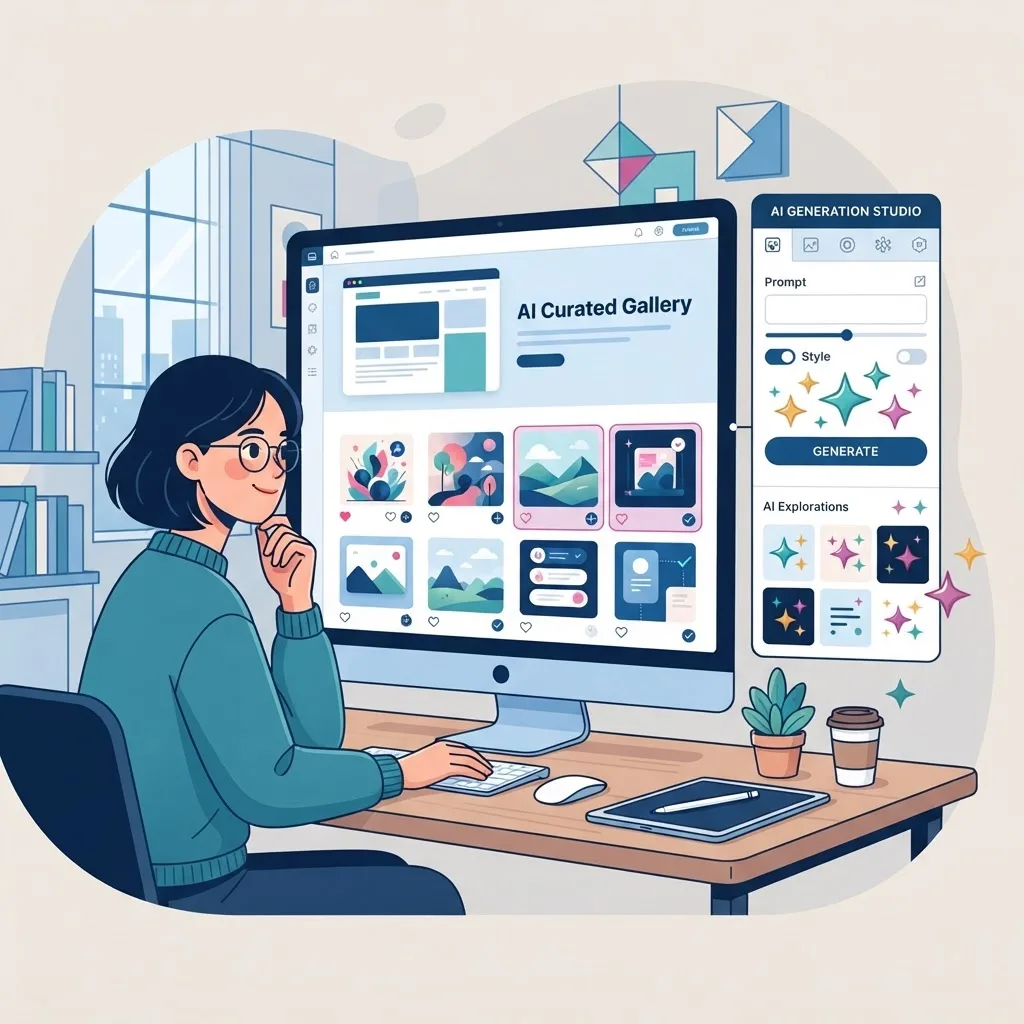
Escaping the generic look takes intention. Write detailed, specific prompts that reflect your brand's style rather than accepting the tool's default aesthetic. Specify mood, lighting, composition, and color to match your identity. Generate multiple variations and curate ruthlessly — most outputs won't be good enough, and that's fine.
Always review images closely for the telltale artifacts AI still produces: distorted hands, garbled text, impossible geometry, and inconsistent lighting. Then refine in an editor to adjust color, crop, and composition so the final asset feels intentional. The goal is an image that looks like a deliberate creative choice, not a lucky prompt.
Keeping Images On-Brand
Consistency is what turns a collection of images into a brand. If your AI-generated visuals clash in style, color, or tone, they undermine the cohesion that makes a site feel professional and trustworthy.
Establish clear visual guidelines before you generate anything: your palette, your preferred illustration or photographic style, the level of realism, and the emotional tone you want. Feed these consistently into your prompts, and build a small library of prompt templates that reliably produce on-brand results. This way, images created weeks apart still look like they belong together.
Treat AI images the way you'd treat any brand asset — subject to the same standards as your logo, typography, and color system. When your visuals are consistent across your site, social media posts and banner design, and marketing materials, the whole brand feels more polished and deliberate.
Ethics, Copyright, and Disclosure
AI-generated imagery raises genuine legal and ethical questions that responsible designers can't ignore. Copyright status varies by jurisdiction and is still evolving, and the ownership of AI outputs isn't always clear-cut. Read the terms of any tool you use, especially regarding commercial rights, and keep records of what you generated and where.
Be careful never to generate images that imitate a living artist's distinctive style, replicate identifiable people without consent, or reproduce trademarked or copyrighted material. These aren't just ethical concerns — they can create real legal exposure for your business.
Honesty matters too. Don't present AI-generated images as authentic photographs of real events, real customers, or real results. Doing so erodes trust and can run afoul of advertising standards. This kind of transparency aligns with Google's emphasis on trustworthiness within its E-E-A-T framework: audiences and search engines both reward brands that are upfront about how their content is made.
Performance and File Optimization
AI tools often output large, high-resolution files that are far heavier than a web page needs. Dropping these straight onto a site is a fast way to wreck your load times and Core Web Vitals — which hurts both user experience and rankings.
Always optimize before publishing. Resize images to the actual dimensions they'll display at, compress them, and serve them in modern formats like WebP or AVIF, which offer excellent quality at a fraction of the file size. Aim to keep individual images lightweight, and use lazy loading so off-screen visuals don't delay the initial render.
Handling this properly is a development concern as much as a design one. Careful front-end web development ensures your beautiful AI visuals load quickly and don't sabotage the performance you worked hard to achieve.
SEO and Accessibility Considerations
AI-generated images need the same SEO and accessibility care as any other visual — arguably more, since they carry no inherent context. Every image should have descriptive, honest alt text that explains what it depicts for screen reader users and search engines. Never stuff keywords into alt text; describe the image genuinely.
Give files meaningful names instead of random strings, and add captions where they help readers understand the content. Because AI images can be produced in bulk, it's easy to add visuals that don't actually serve the content — resist that. Google's helpful content guidance rewards media that supports the message, not decorative filler that adds page weight without value.
Used thoughtfully, distinctive AI visuals can even support your broader digital marketing efforts by making content more engaging and shareable, which indirectly strengthens your search performance.
When to Use Real Photography Instead
For all their usefulness, AI images have clear limits. Some contexts demand authenticity that synthetic imagery simply can't provide. Your About page, team photos, real product shots, case study visuals, and anything tied to trust and credibility are almost always better served by genuine photography.
The reason ties directly to experience — the first 'E' in E-E-A-T. When you show real people, real work, and real results, you demonstrate first-hand experience in a way that builds confidence. A prospective client can sense the difference between a real photo of your workspace and a generated stand-in, even if they can't articulate it.
The best approach is a hybrid one: use AI for concept art, backgrounds, and abstract illustration where it excels, and invest in real photography where authenticity drives trust. A thoughtful mix gives you both efficiency and credibility, and it's the strategy most professional website design teams are settling on.
A Simple Workflow for Publishing AI Images
Turning a raw AI generation into a polished, publish-ready asset takes a repeatable process. Following the same steps every time keeps quality high and protects your site's performance and credibility.
Step 1 — Brief before you prompt. Decide what the image needs to communicate, where it will appear, and how it should feel. A clear brief produces a focused prompt and far less wasted generation.
Step 2 — Generate and curate ruthlessly. Produce several variations and select only the strongest. Most outputs won't make the cut, and that's exactly how it should be — curation is where quality lives.
Step 3 — Inspect for artifacts. Zoom in and check hands, faces, text, edges, and geometry for the tell-tale distortions AI still produces. If an image can't be salvaged with light editing, discard it.
Step 4 — Edit for brand fit. Adjust color, crop, and composition so the image aligns with your palette and style, and matches the other visuals around it. This is where a trained eye for graphic design makes the difference between generic and intentional.
Step 5 — Optimize for the web. Resize to the actual display dimensions, compress, and export to a modern format like WebP or AVIF, keeping file sizes small so your Core Web Vitals stay healthy.
Step 6 — Add context. Give the file a meaningful name, write honest descriptive alt text, and add a caption where it helps. These final touches serve accessibility and SEO and ensure the image genuinely supports the content rather than just decorating it.
Frequently Asked Questions
1. Are AI-generated images good for SEO? They can be, as long as they're optimized for performance, given descriptive alt text, and genuinely support the content. Poorly optimized or irrelevant AI images can hurt SEO by slowing your site and adding no value.
2. Can I use AI-generated images commercially? It depends on the tool's terms of service and your jurisdiction's laws. Always review the license for commercial use and keep documentation. When in doubt, consult a legal professional.
3. Will Google penalize AI-generated images? Google doesn't penalize images simply for being AI-generated. It focuses on whether content is helpful, relevant, and trustworthy. Misusing AI images to deceive users, however, can damage trust and rankings.
4. How do I stop AI images from looking generic? Write detailed, brand-specific prompts, generate multiple variations, curate carefully, and refine the results in an editor. Treating AI output as a starting point rather than a finished product makes a huge difference.
5. What file format should AI images use on my site? Convert them to modern formats like WebP or AVIF and compress them appropriately. This preserves quality while keeping file sizes small enough to protect your load times.
6. Should I disclose that images are AI-generated? You should never present AI images as authentic photos of real people or events. Being transparent about how visuals are created supports trust and aligns with advertising standards and Google's guidance.
7. Can AI images replace my photographer entirely? Rarely. AI is excellent for concepts, backgrounds, and illustration, but real photography remains essential for team, product, and trust-building visuals. A hybrid approach usually delivers the best results.
Final Thoughts
AI-generated images are a genuine breakthrough for web design, putting fast, affordable, custom visuals within reach of any team. But like any powerful tool, they reward skill and judgment. The designers who benefit most are the ones who use AI intentionally — curating for quality, staying on-brand, respecting ethics and copyright, optimizing for performance, and knowing when a real photograph is the better choice.
Do that, and AI images become a genuine asset that strengthens your brand and speeds up your workflow. Ignore the fundamentals, and they become clutter that drags down your credibility and your rankings.
If you want help building a visual strategy that blends AI-generated imagery, photography, and custom design into a cohesive, high-performing website, our team can guide you. Reach out today, and let's create visuals that genuinely elevate your brand.