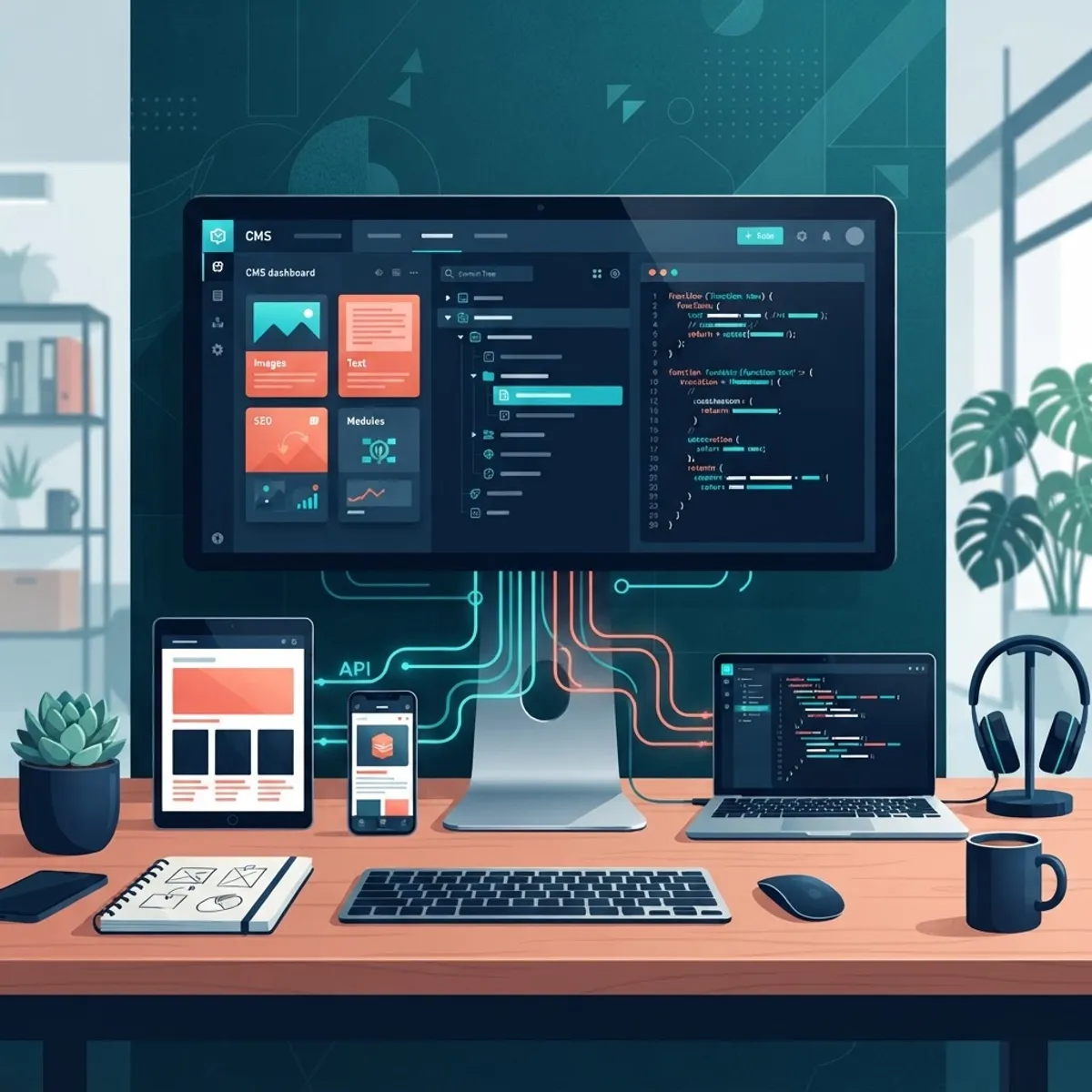
Ask five developers which CMS they swear by and you will get five different answers — plus at least one rant about a platform that burned them on a past project. That is because "best" depends entirely on what you are building, who edits the content, and how much control your team needs over the front end. A marketing site with weekly blog posts has very different needs than a multi-brand commerce platform pushing content to web, mobile, and digital signage at the same time.
This guide cuts through the noise. After shipping client projects on nearly every major platform over the past decade, our team has strong opinions about which CMS tools genuinely earn their place in a developer's stack in 2026 — and which ones create more maintenance work than they save. Below you will find the platforms we keep coming back to, what each one does well, where each one struggles, and a practical framework for matching the right tool to the right project.
Table of Contents
- How we evaluated these CMS tools
- The headless leaders: Strapi, Sanity, and Contentful
- The hybrid workhorse: WordPress in 2026
- Developer-first options: Payload and Directus
- Git-based CMS for docs and marketing sites
- How to choose the right CMS for your project
- Frequently asked questions
- Final thoughts
How We Evaluated These CMS Tools
Every platform in this list was judged against criteria that matter in real production work, not marketing checklists. First, the developer experience: how quickly can you model content, spin up a local environment, and deploy? Second, the editor experience: will your client's marketing team actually enjoy using it, or will they email you every time they need to change a headline? Third, long-term maintainability: what does this platform look like two years in, when the original build team has moved on?
We also weighed API quality, self-hosting options, licensing costs at scale, and how well each CMS plays with modern frameworks. Most of the projects our team delivers pair a CMS with React or Next.js on the front end, so first-class support for Next JS web development workflows — draft previews, incremental revalidation, typed content APIs — carried significant weight in the rankings.
One more note on methodology: we deliberately excluded platforms we have not personally shipped production sites on. Everything below reflects hands-on experience, including the frustrations.
The Headless Leaders: Strapi, Sanity, and Contentful
Strapi remains our default recommendation for teams that want full ownership of their stack. It is open source, self-hostable, and built on Node.js, which means your team can extend it with custom controllers, policies, and plugins without fighting the platform. Strapi 5 matured significantly — the Draft & Publish system, content history, and improved TypeScript support closed most of the gaps that used to push teams toward paid alternatives. If your organization has compliance requirements that rule out third-party content hosting, Strapi is hard to beat. For teams that want the benefits without the setup overhead, a specialized partner offering Strapi CMS website development can get a production-grade instance running in days rather than weeks.
Sanity takes a different philosophy: content as structured data, all the way down. Its real-time collaborative editing feels closer to Google Docs than a traditional CMS, and GROQ — its query language — lets developers request exactly the content shape they need. The Studio is just a React application, so customizing the editing experience is genuinely enjoyable. The trade-off is cost predictability; API request pricing can climb on high-traffic sites, so model your usage before committing.
Contentful is the enterprise stalwart. Its content modeling is disciplined, its CDN-backed delivery API is fast and reliable, and its ecosystem of integrations is the broadest in the category. Where it stings is pricing: costs escalate quickly as you add locales, environments, and users. We recommend Contentful when a client has an enterprise budget, multiple content teams, and strict governance requirements — and something lighter when they do not.
The Hybrid Workhorse: WordPress in 2026
It has become fashionable to dismiss WordPress, but the numbers refuse to cooperate: it still powers over 40 percent of the web, and in 2026 it remains the pragmatic choice for a huge class of projects. The block editor has matured into a genuinely capable page-building system, full-site editing has stabilized, and the WordPress REST API plus WPGraphQL make it a serviceable headless backend when you want a familiar admin with a modern front end.
The developer experience story is more nuanced. Modern WordPress development — with Composer-managed dependencies, Bedrock-style project structures, and block themes — bears little resemblance to the plugin-soup builds that gave the platform its reputation. Done well, WordPress development delivers an editing experience non-technical teams already know, an enormous plugin ecosystem, and hosting options at every price point.
Where WordPress struggles is exactly where you would expect: performance tuning takes deliberate effort, security depends on disciplined maintenance, and complex structured content pushes against the limits of its post-based data model. If your project is content-heavy but relationally simple — blogs, brochure sites, small commerce — WordPress remains an excellent answer. If your content model looks more like a database schema, look headless.
Developer-First Options: Payload and Directus
Payload has earned intense loyalty among TypeScript developers, and for good reason. Configuration is code: you define collections, fields, access control, and hooks in TypeScript files that live in your repository, which means your content model is version-controlled, reviewable, and testable like any other code. Since Payload 3 runs natively inside Next.js, the CMS and the site can deploy as a single application — a genuinely elegant architecture for teams already committed to React.
Directus approaches the problem from the database side. Point it at any SQL database — new or existing — and it introspects the schema and generates a full REST and GraphQL API plus a polished admin app on top. This makes it uniquely valuable for projects that need a content layer over existing business data, such as internal tools or data-heavy dashboards. Teams doing back-end web development on legacy databases often find Directus saves them months of API scaffolding.
Both platforms reward teams with strong engineering practices and punish teams without them. There is no marketplace of one-click plugins to lean on; you are expected to build. For agencies and product teams with real development capacity, that is a feature, not a bug.
Git-Based CMS for Docs and Marketing Sites
Not every project needs a database. Git-based tools like Decap CMS, Tina, and Keystatic store content as Markdown or JSON files in your repository, which means content changes flow through the same pull-request workflow as code changes. For documentation sites, developer blogs, and marketing sites maintained by technically comfortable teams, this model is refreshingly simple: no servers to patch, no API limits, and content history for free via Git.
Tina deserves a specific mention for bridging the gap between Git simplicity and editor friendliness. Its visual editing mode lets non-technical users click on content in a live preview and edit it in place, while everything still commits back to the repository. Paired with a statically generated front end built through modern front-end web development practices, the result is a site that is fast, secure, and nearly free to host.
The honest limitation: Git-based content does not scale to large editorial teams, complex workflows, or content that non-developers need to restructure. Know the ceiling before you commit.
How to Choose the Right CMS for Your Project
Start with the content team, not the technology. If editors are non-technical and publish frequently, prioritize editing experience: WordPress, Sanity, or Contentful. If developers are the primary users, Payload or a Git-based tool will feel natural. If you need self-hosting and extensibility, Strapi or Directus lead the pack.
Second, map your content's structure. Simple pages and posts fit almost anything. Deeply relational content — products with variants, multi-locale catalogs, content reused across channels — demands a proper headless platform with strong references and localization.
Third, be brutally honest about maintenance capacity. A self-hosted CMS means someone owns updates, backups, and security patches for years. If that someone does not exist, a managed platform or a website maintenance and support partner is not optional overhead — it is the difference between a healthy site and a slowly rotting one.
Finally, prototype before you commit. Every platform on this list has a free tier or open-source edition. Spend two days modeling your actual content and building one real page. The friction you feel in those two days is the friction you will live with for years.
Frequently Asked Questions
1. What is the best free CMS for developers in 2026? Strapi and Payload are the strongest free, open-source options. Strapi suits teams that want a standalone API-first CMS, while Payload is ideal if you are already building with Next.js and TypeScript. WordPress remains free as well and is still the fastest path for conventional content sites.
2. Is headless CMS worth it for a small business website? Often not. A five-page site with a blog rarely justifies the added architecture of separate front-end and content deployments. WordPress or a Git-based CMS delivers the same result with less moving machinery. Headless earns its complexity when you have multiple front ends, strict performance targets, or structured content reused across channels.
3. Which CMS works best with Next.js? Payload is the tightest fit because it runs inside the Next.js application itself. Sanity, Strapi, and Contentful all offer excellent Next.js integrations with live preview and incremental static regeneration support. The right choice depends more on your content model and hosting requirements than the framework connection.
4. Is WordPress still relevant for professional developers in 2026? Yes — used deliberately. Modern block-based WordPress with disciplined plugin choices and managed hosting is a productive, client-friendly platform. It is the wrong tool for application-like products with complex data, but for content-led marketing sites it remains one of the most cost-effective options available.
5. How much does a headless CMS cost at scale? Self-hosted options like Strapi, Payload, and Directus cost only your infrastructure and maintenance time. SaaS platforms vary widely: Sanity and Contentful can run from free tiers to thousands of dollars monthly depending on API usage, seats, and locales. Always model twelve months of realistic usage before signing a contract.
6. Can I migrate from WordPress to a headless CMS later? Yes, and it is a common path. WordPress content exports cleanly via its REST API, and most headless platforms provide import tooling or scripts. The harder work is usually redesigning the content model — headless platforms reward structured content, so a straight one-to-one migration often misses the point of switching.
7. Do I need a developer to maintain a headless CMS? For the front end, yes — headless architectures separate content from presentation, so template and layout changes require code. Content editing itself needs no technical skill on any platform in this list. Budget for ongoing development support if your site changes frequently.
Final Thoughts
There is no single best CMS in 2026 — there is only the best CMS for your team, your content, and your maintenance reality. Strapi and Payload lead for developer control, Sanity and Contentful for editorial scale, WordPress for pragmatic content sites, and Git-based tools for lean technical teams. The most expensive mistake is not picking an imperfect platform; it is picking one that fights how your team actually works.
If you are weighing these options for a real project, we can help you pressure-test the decision before any code gets written. Our team designs and builds CMS-driven sites end to end — from website design through custom web development and long-term support. Reach out for a free consultation and we will map the right platform to your goals, your content, and your budget.