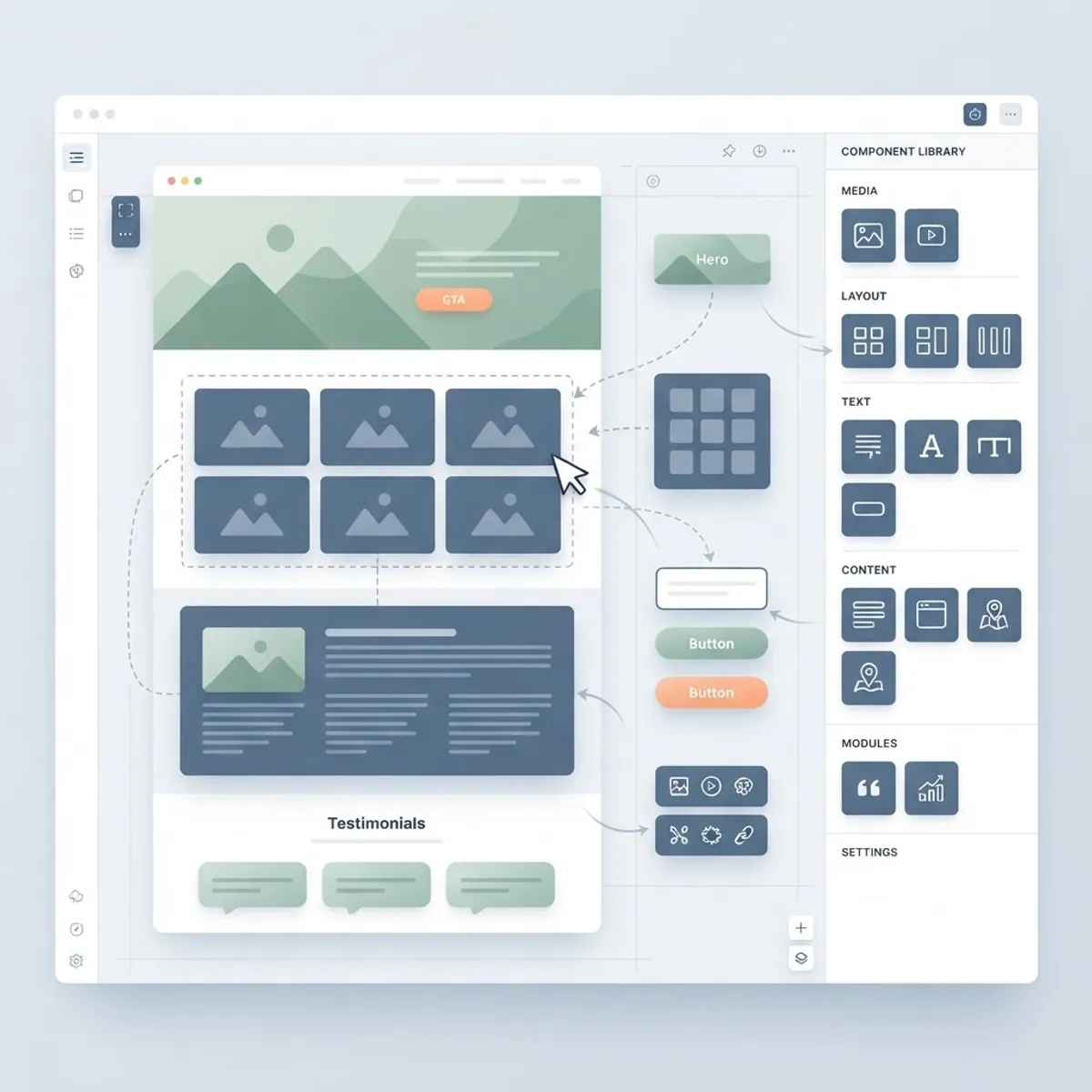
Most CMS comparisons are written for developers or IT departments, ranking platforms by APIs and hosting options. But if you care first about design — how a site looks, how freely you can shape layouts, how faithfully the published page matches the vision — the rankings change completely. A platform that thrills a backend engineer can be a straitjacket for a designer, and a designer's dream tool can collapse under serious content operations.
This guide evaluates content management systems specifically through a web design lens. We compare how much creative control each platform gives you, how the editing experience holds up for the people maintaining content after launch, and where each option starts to crack as a site grows. The recommendations come from real client projects across all of these platforms, including the ones that went sideways.
Table of Contents
- What "good for design" actually means in a CMS
- Webflow: design control without code
- Framer: motion-first marketing sites
- WordPress with modern block themes
- Headless CMS + custom front end: maximum freedom
- Matching the platform to your project
- Frequently asked questions
- Final thoughts
What "Good for Design" Actually Means in a CMS
Before comparing platforms, it is worth defining the criteria, because "design-friendly" hides several distinct questions. First: layout freedom. Can you build any composition you can imagine, or are you arranging content inside someone else's grid? Second: fidelity. Does the published site match the design exactly, or does the platform inject its own spacing, markup, and compromises? Third: design-system support. Can you define reusable styles and components once and apply them everywhere, so the site stays coherent as it grows?
The fourth criterion is the one teams forget: the post-launch editing experience. A design is only as durable as the tools protecting it. If editors can override fonts, stretch images, and paste styled text from Word, the design will decay within months. The best design-oriented CMS platforms constrain editors in exactly the right places — free to change content, unable to break the system.
Finally, performance is a design concern, not just an engineering one. Fonts that flash, images that shift the layout, and slow-loading hero sections all destroy the experience the design promised. Platforms differ enormously in how much performance discipline they enforce by default.
Webflow: Design Control Without Code
Webflow remains the reference point for visual-first website building in 2026. Its designer surface is essentially a visual interface over real CSS — classes, flexbox, grid, and interactions map directly to web standards — which gives designers genuine layout freedom rather than template-filling. The CMS layer attaches structured collections to those designs, so blog posts, case studies, and team pages flow through hand-crafted layouts automatically.
Webflow's editor experience is a strong point for content teams: editors change text and images in a visual context without access to the structural controls that could break the design. Combined with built-in hosting, SSL, and a solid asset pipeline, it is a complete package for marketing sites in the five-to-few-hundred-page range.
The honest limits: complex data relationships strain the CMS model, multi-language workflows remain clumsier than dedicated platforms, and site-wide logic beyond what interactions support requires custom code embeds that live awkwardly outside the visual system. Teams also underestimate lock-in — Webflow sites export as static code, but the CMS and interactions do not migrate cleanly. For ambitious functionality on top of a Webflow-style workflow, many teams eventually graduate to a custom build delivered through professional website design and development.
Framer: Motion-First Marketing Sites
Framer has carved out a distinct identity: the platform for marketing sites where motion and polish are the product. Scroll-linked animations, page transitions, and micro-interactions that would take days to hand-build elsewhere are first-class citizens here. For startups whose landing page needs to feel like a product demo, Framer produces results that consistently punch above their production budget.
Its CMS has matured from an afterthought into a workable system for blogs, changelogs, and simple structured content, and AI-assisted layout tools speed up early drafts considerably. Publishing is instant and hosting is handled, which makes iteration loops very short.
Framer's constraint is scope. It excels at sites measured in dozens of pages, not thousands; deep content operations, complex integrations, and heavily customized data models sit outside its comfort zone. Treat it as a high-polish marketing layer, and pair it with dedicated platforms when the operation grows past what it should carry.
WordPress With Modern Block Themes
WordPress in 2026 deserves evaluation on its current merits, not its 2015 reputation. Block themes and full-site editing have turned it into a legitimately capable design platform: theme.json defines a design-token system — colors, typography, spacing — that the block editor enforces, and block patterns give editors pre-designed sections they can assemble without breaking anything. Done properly, this is a real design system with guardrails.
The keyword is "done properly." The gap between a disciplined block theme built by professionals and an off-the-shelf theme buried under page-builder plugins is enormous — in performance, in maintainability, and in how well the design survives contact with editors. Expert WordPress development means custom blocks that match your brand's components, locked-down editing permissions, and a performance budget enforced from the start.
Where WordPress wins on design grounds: unmatched editorial maturity for content-heavy sites, an ecosystem that solves nearly every functional need, and total ownership of your stack. Where it loses: achieving truly bespoke, interaction-rich design requires real development investment, and neglected WordPress sites decay faster than any other platform on this list. Pairing it with a website maintenance and support plan is the difference between an asset and a liability.
Headless CMS + Custom Front End: Maximum Freedom
For teams that refuse to compromise on either design or content operations, the headless pattern remains the ceiling: a structured content platform like Sanity, Contentful, or Strapi behind a fully custom front end. The designer's canvas is unlimited because the front end is code — every animation, layout, and interaction is exactly what the team decides to build, with performance engineered rather than inherited.
This architecture shines for design-forward brands with serious content needs: editorial sites with custom article layouts, product marketing that reuses content across web and app, multi-brand systems sharing one content backbone. Structured content also future-proofs the design investment — when the brand refreshes in three years, content survives untouched while the front end is rebuilt around it.
The costs are real: you need genuine engineering capacity, editorial preview requires deliberate setup, and nothing about the stack is one-click. This is the domain of professional teams — typically pairing a headless platform with a React-based front end through Next JS web development, or a fully open-source stack built on Strapi CMS website development when self-hosting matters. For the right project, no other approach comes close; for a five-page brochure site, it is expensive overkill.
Matching the Platform to Your Project
Here is the decision compressed to its essentials. Choose Webflow when design control matters, content is moderate, and you want to avoid managing infrastructure. Choose Framer when the site is small, motion-rich, and marketing-led. Choose WordPress when content operations are serious, budgets favor a mature ecosystem, and you have professional development support. Choose headless with a custom front end when both design ambition and content complexity are high enough to justify engineering investment.
Whatever you choose, decide with the next three years in mind, not the next three months. Migration is always more expensive than choosing correctly, and the platforms diverge most sharply not at launch but at scale — when the content library has tripled, the team has turned over, and the design needs to evolve without a rebuild.
And remember that the platform is only half the outcome. A mediocre design ships equally well on every CMS in this list. Content strategy, visual identity, and ongoing digital marketing determine whether the site actually performs once the technology question is settled.
Frequently Asked Questions
1. What is the best CMS for web designers in 2026? Webflow offers the best balance of visual design freedom and structured content for most design-led projects. Framer leads for motion-heavy marketing sites, while a headless CMS with a custom front end offers the highest ceiling for teams with development resources.
2. Is Webflow better than WordPress for design? For hands-on visual design without code, yes — Webflow's designer maps directly to CSS and protects layouts from editor damage. WordPress with a professionally built block theme can match the end result, but it requires development investment to reach the same fidelity and guardrails.
3. Can a CMS really affect how a website looks? Significantly. The CMS determines your layout freedom, how faithfully designs render in production, whether editors can accidentally break styling, and how much performance discipline is enforced. Design decays fastest on platforms with weak editorial guardrails.
4. What CMS do design agencies use for client sites? Most agencies match the platform to the client: Webflow or Framer for design-led marketing sites, WordPress for content-heavy organizations with existing workflows, and headless platforms like Sanity or Strapi paired with React or Next.js for larger custom builds.
5. Is Framer good enough for a real business website? For startups and small businesses whose site is primarily a polished marketing presence — landing pages, product pages, a blog — yes. For sites with large content libraries, complex integrations, or heavy multi-language needs, a more structured platform is a safer foundation.
6. How much does the CMS choice affect site speed? Substantially. Static and statically-generated approaches (Framer, Webflow, headless with Next.js) tend to be fast by default, while WordPress performance depends heavily on hosting, theme quality, and plugin discipline. Since Core Web Vitals influence search visibility, this is both a design and an SEO decision.
7. Can I switch CMS platforms later without redesigning? Partially. Structured content (headless platforms, well-modeled WordPress) migrates far more cleanly than page-builder content, where design and content are entangled. If future migration is likely, favor platforms that keep content structured and separate from presentation.
8. Do I need a developer if I choose Webflow or Framer? Not for day-to-day publishing and moderate design changes — that is their core promise. You will want professional help for custom integrations, advanced interactions, performance tuning, and initial design-system setup, where experienced input prevents expensive rework later.
Final Thoughts
The best content management system for web design in 2026 is the one whose constraints match your ambitions: Webflow for visual freedom with structure, Framer for motion-led marketing, WordPress for editorial scale on a budget, and headless for teams building without compromise. Every platform on this list can produce an excellent website — and every one can produce a mediocre one. The differentiator is the thinking applied on top.
If you are choosing a platform for an upcoming project, we can help you make the call with evidence instead of guesswork. Our team has designed and shipped production sites on every system covered here, from brand-new marketing sites to full ecommerce solutions. Book a free consultation and we will recommend the stack that fits your design goals, your content reality, and your budget — even if the answer is the simplest option on the list.