Rebranding, merging two businesses, or finally buying the exact-match domain you always wanted — sooner or later, someone asks the scary question. What is the real SEO impact of changing a domain name?
The honest answer: done properly, you keep most of your rankings and recover fully within weeks. Done carelessly, you can lose half your organic traffic and never get it back.
The difference is almost entirely execution. This guide covers what actually transfers, what temporarily wobbles, and the exact sequence that protects your search visibility during a domain change.
What Is a Domain Name Change in SEO Terms?
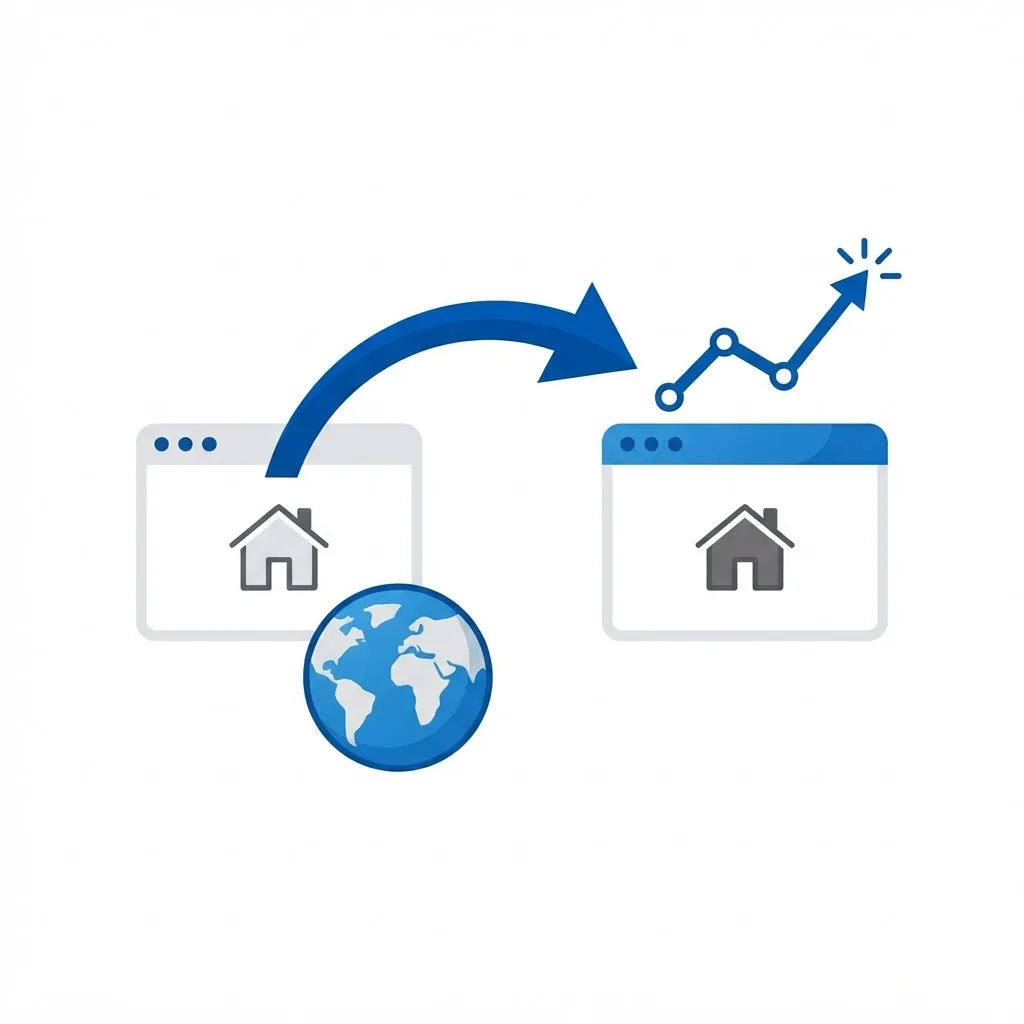
A domain change is a site migration where the hostname changes but the content largely stays the same. Google treats it as a move request: every old URL must point clearly and permanently to its new equivalent.
Search engines have handled this for decades and support it well. Authority signals — backlinks, historical trust, topical relevance — pass through 301 redirects to the new domain over time.
The risk is never the change itself, it is signal loss during the handover. Broken redirect chains, missed pages, and forgotten canonical tags cause the traffic drops people blame on the new domain.
Who Needs to Change a Domain Name?
Nobody should change domains casually, but several situations make it the right call.
- Companies rebranding after a name change, merger, or acquisition
- Businesses expanding beyond a geographically limited domain
- Sites moving from a country-code domain to a global one, or the reverse
- Owners escaping a domain with a genuinely toxic backlink history
- Teams consolidating several microsites into one authoritative property
Key Factors That Determine the Outcome
Redirect Mapping Quality
Every indexed URL needs a one-to-one 301 redirect to its closest new equivalent. Redirecting everything to the homepage is the single most damaging shortcut in migrations — it tells Google the old pages no longer exist as distinct resources.
Backlink Profile Strength
Sites with strong, diverse links recover faster because those links keep passing equity through redirects. If your authority came from a handful of links, losing even one during the move hurts disproportionately.
Content Parity
Change the domain or redesign the content, not both at once. When Google sees a new domain and rewritten pages, it cannot tell which change caused what, and reassessment takes far longer.
Technical Health of the New Site
The new domain must be at least as fast, crawlable, and mobile-friendly as the old one. Migrating onto a slower stack turns a neutral event into a ranking loss. Solid front-end web development keeps Core Web Vitals intact through the transition.
How to Change Domains Without Losing Rankings
Follow this sequence and treat none of the steps as optional.
- Crawl the existing site fully and export every indexed URL, plus your top landing pages from analytics.
- Build a redirect map in a spreadsheet: old URL to new URL, one row each, no gaps.
- Stage the new site on the new domain, blocked from indexing, and verify content matches page for page.
- Implement server-level 301 redirects — permanent, single-hop, no chains through intermediate URLs.
- Update all internal links, canonical tags, sitemaps, hreflang, and structured data to the new domain.
- Launch, remove the index block, and submit the new sitemap in Search Console.
- Use the Search Console Change of Address tool to formally notify Google.
- Keep the old domain registered and redirecting for at least a year — ideally permanently.
- Contact your most valuable linking sites and ask them to update the URL directly.
- Monitor crawl errors, index coverage, and rankings daily for the first month.
Benefits of a Well-Executed Domain Change
A migration is disruptive, so it should buy you something real. Handled correctly, it does.
- A brand name that matches your actual market and product
- Consolidated authority when several sites merge into one
- Escape from a penalised or spam-associated domain history
- Cleaner URL structure and information architecture
- An opportunity to fix long-standing technical debt during the move
Potential Challenges
Even careful migrations involve a period of uncertainty. Plan for these.
- A temporary ranking dip of two to eight weeks while Google reprocesses the site
- Lost link equity from any URL you failed to redirect
- Reset local signals if business listings and citations are not updated
- Email, ad campaigns, and third-party integrations breaking if not migrated in parallel
Best Practices and Tips
Small disciplines make a large difference in recovery speed.
- Migrate during a low-traffic period, never before your peak season
- Change one variable at a time — domain now, redesign later
- Benchmark rankings, traffic, and conversions the week before launch so you can measure honestly
- Keep the old domain forever; expired redirects silently discard authority years later
Real-World Example
An online retailer trading under a city-specific domain expanded nationally and moved to a brandable name. They crawled 4,200 URLs, mapped every one, and launched with single-hop 301s plus a Change of Address request.
Organic traffic fell 18% in week two, recovered to baseline by week five, and exceeded the old peak by week nine as the broader brand attracted links the local domain never could. Their one avoidable mistake was forgetting product feed URLs, which caused a week of shopping ad disapprovals — a reminder to migrate ecommerce systems and integrations alongside the site itself.
Why It Matters
Organic search is usually a company's most durable acquisition channel, built over years. A domain change puts that asset temporarily in motion, and the cost of getting it wrong is measured in months of lost revenue, not just rankings.
Understanding the SEO impact of changing a domain name turns a frightening project into a managed one. The technical requirements are well documented and stable — the only real variable is how thoroughly you follow them.
Frequently Asked Questions
How long does it take to recover rankings after a domain change?
Most sites see full recovery within four to eight weeks. Large sites with tens of thousands of URLs can take three months or more as Google recrawls everything.
Will I lose my backlinks?
No, provided you keep 301 redirects in place. Redirected links continue passing authority. Update the highest-value links at the source where you can, since direct links are always cleaner than redirected ones.
Should I redesign the site at the same time?
Avoid it if possible. Combining a domain change with a redesign makes diagnosis nearly impossible if traffic drops. Migrate first, confirm stability, then redesign.
How long should I keep the old domain?
Indefinitely. Renewal costs are trivial compared to the authority you lose the day those redirects stop resolving.
Conclusion
Changing a domain name does not have to damage your SEO. Complete redirect mapping, unchanged content, a healthy new site, and formal notification to Google cover almost all of the risk.
If you want experienced hands managing the crawl, redirect map, and post-launch monitoring, our website maintenance and support team can guide the migration end to end.