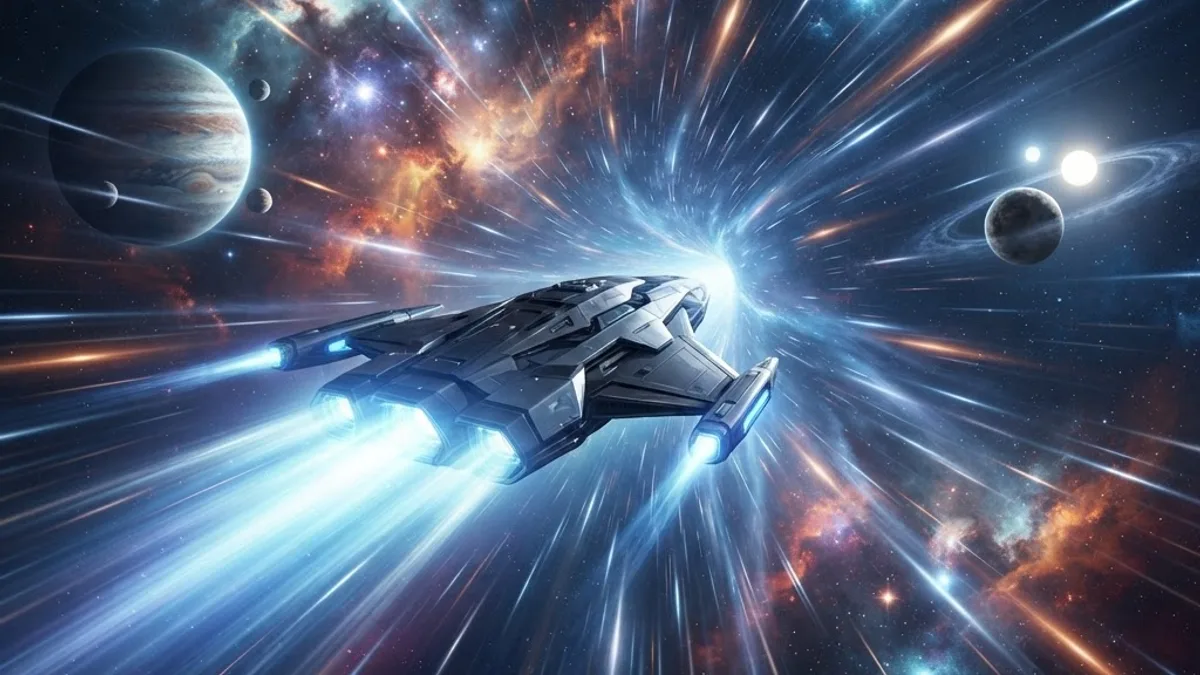
Star Citizen recreates a solar system so vast that flying between planets at normal speed would take hours. Quantum travel is the game answer: a faster-than-light drive that lets your ship cover enormous distances in seconds. For new pilots, though, the process of spooling, calibrating, and jumping can feel confusing the first few times.
This guide breaks quantum travel down into simple, repeatable steps. You will learn how to select a destination, spool and calibrate your quantum drive, manage quantum fuel, and troubleshoot the most common problems. Whether you just bought your first ship or you are helping a friend get started, this walkthrough will get you jumping confidently.
Table of Contents
- What quantum travel is
- Before you jump: requirements
- Step-by-step: how to quantum travel
- Understanding quantum fuel
- Choosing and setting markers
- Common problems and fixes
- Pro tips for efficient travel
- Frequently asked questions
- Final thoughts
What Quantum Travel Is
Quantum travel is Star Citizen in-system faster-than-light movement. It uses a dedicated quantum drive, separate from your main engines, to propel your ship across huge distances within a solar system — for example from a planet to a distant space station or moon.
It is important to distinguish quantum travel from jump-point travel. Quantum travel moves you within a single star system, while jump points are used to travel between different systems. For everyday play, quantum travel is the tool you will use constantly to get from one location to another.
Before You Jump: Requirements
To quantum travel you need three things. First, a functioning quantum drive installed on your ship — nearly all flight-ready ships come with one by default. Second, quantum fuel, which is stored in a separate tank from your regular hydrogen fuel and is consumed by each jump. Third, a clear line to your destination, because obstacles like planets or moons can block a jump.
You should also make sure your ship is powered up and out of any landing zone restrictions. Quantum travel cannot be initiated while landed or while too close to certain structures, so get into open space first.
Step-by-Step: How to Quantum Travel
Step 1 — Open your Mobiglas or use your ship navigation to select a destination. Bring up the starmap or cycle through available quantum markers until you find where you want to go.
Step 2 — Point your ship toward the destination. Your ship needs to face the target marker for the drive to calibrate. You will see a marker or reticle indicating the destination direction.
Step 3 — Hold the quantum travel key to begin calibration. Your quantum drive will start aligning with the target. A gauge will fill as calibration completes, and the percentage climbs toward one hundred.
Step 4 — Once calibration reaches full and the drive is spooled, engage the jump. Keep the key held or press it as prompted, and your ship will accelerate into quantum travel, streaking toward the destination.
Step 5 — Wait as your ship covers the distance. You will automatically drop out of quantum travel as you approach the target. Be ready to take manual control again when you arrive.
Understanding Quantum Fuel
Quantum fuel is separate from the hydrogen fuel that powers your normal flight. Every jump consumes quantum fuel in proportion to the distance traveled, so longer trips cost more. Running out of quantum fuel strands you, unable to make further jumps until you refuel.
You can refuel quantum fuel at stations and landing zones with refueling services, or by using certain support ships in the field. Experienced pilots keep an eye on their quantum fuel gauge before committing to long journeys, especially when heading somewhere remote. Planning your route to include a refueling stop prevents getting stuck far from help.
Choosing and Setting Markers
Quantum markers are the selectable destinations that appear in your navigation. These include planets, moons, space stations, and points of interest you have discovered. Cycling through markers lets you pick exactly where you want to jump.
Sometimes a destination is blocked by a celestial body directly in your path. When this happens, you may need to jump to an intermediate marker first, then re-calibrate to your final destination once you have a clear line. Learning to chain jumps through waypoints is a key skill for navigating the system efficiently.
Common Problems and Fixes
Calibration will not complete: This usually means your ship is not pointed accurately at the marker or something is blocking the path. Re-aim carefully and make sure no planet or moon sits between you and the target.
Drive will not spool: Check that your ship is fully powered and that your quantum drive is not damaged or disabled. Verify you have quantum fuel remaining.
Jump ends early: You may have run low on quantum fuel, or an obstacle interrupted the route. Refuel and try selecting an intermediate marker.
No markers appear: Make sure you are in open space and that your navigation systems are active. Some markers only appear once you are within range or have discovered the location.
Pro Tips for Efficient Travel
Always check your quantum fuel before long trips, and top up when convenient so you are never caught short. Calibrate fully before engaging — jumping at less than full calibration can reduce efficiency or cause the jump to fail.
Learn the layout of the system so you can plan multi-leg routes around obstacles rather than fighting a blocked jump. When traveling in a group, coordinate destinations so everyone selects the same marker and arrives together. And keep your ship components maintained, since a damaged quantum drive calibrates slowly or not at all.
For gaming communities and content creators building guides like this one, a fast, well-designed site backed by professional website design and engaging social media management helps your audience find and trust your content.
Fuel, Efficiency, and Managing Long Journeys
Quantum travel consumes quantum fuel, a separate resource from the hydrogen that powers your regular thrusters. Every jump draws from your quantum tank, and longer routes drain it faster. Running dry mid-journey leaves you stranded in empty space, so managing this resource is a core part of interstellar travel.
Different ships carry different quantum drive sizes and fuel capacities, which directly affect how far you can travel before needing to refuel. Larger, exploration-focused ships tend to cover long distances comfortably, while smaller fighters may need more frequent top-ups. You can refuel at stations or, on some ships, with the help of a dedicated refueling vessel. Planning your route around fuel availability prevents the frustrating experience of stalling far from any station.
Efficiency also depends on your drive component. Upgrading to a better quantum drive improves speed, range, and spool time, making long trips faster and less fuel-hungry. For serious travelers, investing in the right drive is one of the most impactful upgrades you can make.
Common Quantum Travel Problems and Fixes
New pilots run into a handful of recurring issues. The most common is failing to reach full spool before pressing the jump key, which cancels the process. Always wait for the on-screen indicator to confirm the drive is ready before engaging. Another frequent problem is calibration drifting because you nudged the flight controls; keep the ship steady while the marker locks on.
Obstructed routes are another culprit. If a planet, moon, or large structure sits directly between you and your destination, the drive may refuse to engage or drop you out early. Reposition slightly to clear the line of travel and try again. Finally, interdiction by other players or NPCs can pull you out of quantum travel unexpectedly; if that happens, either fight, flee, or recalibrate and jump again once you are clear of the threat.
Tips for New Pilots
If you are just getting comfortable with interstellar travel, a few habits will make every journey smoother. Always check your quantum fuel before setting off on a long route, and refuel whenever you pass a convenient station rather than waiting until you are nearly empty. Keep an eye on your surroundings while calibrating, since staying still and unobstructed is the single biggest factor in a clean jump.
It also helps to learn the map. Knowing which systems have refueling, repair, and restocking services lets you plan routes that keep your ship supplied and ready. As you gain experience, you will start to instinctively line up jumps, manage fuel, and chain multiple hops together into efficient long-distance travel. Patience early on pays off quickly, and before long quantum travel becomes second nature.
Frequently Asked Questions
What is the difference between quantum travel and jump points? Quantum travel moves you within a single star system, while jump points connect different star systems entirely.
Why will my quantum drive not calibrate? The most common causes are not facing the marker accurately or having a planet or moon blocking the path. Re-aim and clear the line of sight.
How do I refuel quantum fuel? Refuel at stations and landing zones offering refueling services, or use dedicated support ships in the field.
Does quantum travel use the same fuel as flying? No. Quantum fuel is stored separately from the hydrogen fuel used for normal flight and is consumed only by jumps.
Can I quantum travel to any location? You can travel to any available quantum marker with a clear path. Blocked destinations may require jumping to an intermediate marker first.
Why does my jump stop before I arrive? This usually means you ran low on quantum fuel or the path was interrupted. Refuel and consider chaining jumps through waypoints.
Final Thoughts
Quantum travel is the backbone of getting around in Star Citizen, and once you understand the rhythm of selecting a marker, calibrating, and jumping, it becomes second nature. Keep an eye on your quantum fuel, plan around obstacles, and maintain your drive, and you will move across the system smoothly and reliably.
With these steps and tips, you are ready to explore everything the game has to offer without wasting time crawling through open space.
Running a gaming brand or community platform? Explore how expert web applications and creative graphic design can make your community hub as polished as the games your audience loves.