Most on-page problems are invisible from the browser. Duplicate titles, orphan pages and missing headings only appear when you look at the whole site at once, which is exactly what a crawler does.
Knowing how to use Screaming Frog to improve on-page SEO turns vague site-quality worries into a prioritised task list. You crawl once, then fix in order of impact.
This guide walks through a practical audit workflow you can complete in an afternoon, even on a site with thousands of URLs.
What Is Screaming Frog?
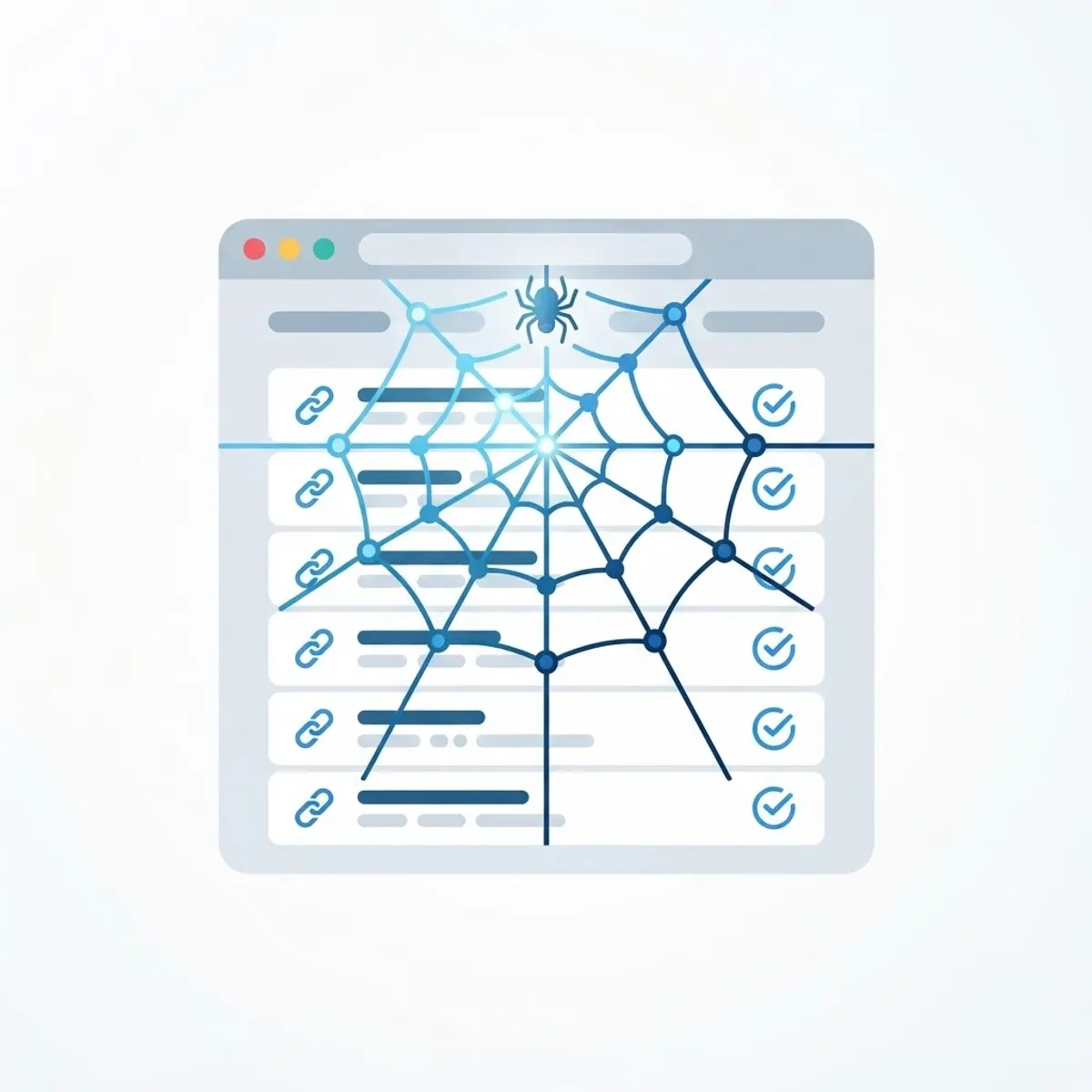
Screaming Frog SEO Spider is a desktop crawler that visits your URLs the way a search engine bot would. It collects titles, meta descriptions, headings, status codes, canonicals, redirects and internal links into sortable tables.
Its real value is scale plus comparison. Spotting one missing title tag is easy; spotting 340 across a catalogue requires a crawl.
The free version crawls up to 500 URLs, which is enough for small sites and for learning the workflow before committing to a licence.
Who Should Use It?
Anyone responsible for a site's technical and on-page quality benefits from crawling regularly.
- SEO specialists running scheduled site audits
- Web developers validating migrations and redirects
- Content managers checking metadata consistency
- Ecommerce teams monitoring large product catalogues
- Agencies producing audit deliverables, including white label SEO audit reports
Key Features For On-Page Work
Title And Meta Description Audits
The Page Titles and Meta Description tabs flag missing, duplicate, too-short and too-long entries. Sorting by duplicate reveals template problems affecting entire sections at once.
Heading Structure Analysis
H1 and H2 columns show pages with no heading, multiple H1s, or headings that repeat the same phrase sitewide. Fixing these clarifies page purpose for readers and crawlers.
Response Codes And Redirects
The Response Codes tab groups 404s, 301 chains and server errors. Redirect chains waste crawl budget and slow users, so flattening them is usually quick value.
Internal Link And Depth Reporting
Crawl depth and inlink counts expose orphan pages and important pages buried five clicks deep. Improving internal linking often lifts rankings without new content.
How To Run Your First Audit
Work through the crawl systematically rather than jumping between tabs.
- Download and install Screaming Frog, then enter your domain and start the crawl.
- Wait for completion, then export the Internal HTML report as a working file.
- Check Response Codes first and list every 404 and redirect chain.
- Review Page Titles for missing and duplicate entries.
- Repeat for Meta Descriptions and H1 tags.
- Open Crawl Depth and note pages deeper than three clicks.
- Use the Images tab to find missing alt text and oversized files.
- Group findings into quick wins and larger projects, then assign owners.
Benefits Of Crawling Regularly
A monthly crawl catches regressions before they compound into ranking losses.
- Complete visibility of on-page issues across every URL
- Early detection of broken links after content updates
- Evidence-based prioritisation instead of guesswork
- Faster migrations with verified redirect mapping
- Cleaner internal link structure and better crawl efficiency
Potential Challenges
Crawlers produce a lot of data, and inexperienced users often drown in it.
- Large sites need memory configuration and database storage mode
- JavaScript sites require rendering mode enabled to see real content
- Not every flagged issue matters, so context is essential
- Aggressive crawl speed can strain small shared hosting
Best Practices And Tips
Use the crawl to drive decisions, not to generate a 90-page report nobody reads.
- Limit crawl speed on production sites to avoid server load
- Connect Search Console and analytics to combine crawl data with performance
- Hand technical findings to a team offering SEO optimization and implementation services if internal dev capacity is limited
- Save your configuration so future crawls stay comparable
Real-World Example
A publisher with 4,000 articles saw traffic drift downward for months with no obvious cause. A crawl revealed 620 pages sharing three identical title templates and 180 redirect chains left over from a category rename.
The team rewrote titles for the top 200 pages by impressions and flattened every chain to a single hop. Within six weeks, click-through rates improved measurably and previously stagnant articles began ranking again.
Why It Matters
On-page fundamentals still decide whether good content gets a fair chance. If titles are duplicated and pages are orphaned, no amount of writing fixes the underlying signal confusion.
Using Screaming Frog to improve on-page SEO gives you the map. Without it, you are optimising blind and hoping.
Frequently Asked Questions
Is the free version enough?
For sites under 500 URLs, yes. Larger sites need the paid licence for full crawls, scheduling and integrations.
How often should I crawl my site?
Monthly is a good baseline, plus an extra crawl after any redesign, migration or bulk content change.
Can it crawl JavaScript-heavy websites?
Yes, by switching to JavaScript rendering in configuration, though crawls take longer and use more memory.
Which issue should I fix first?
Start with server errors and broken internal links, then duplicate titles on high-traffic pages. Impact usually beats volume.
Conclusion
Screaming Frog converts guesswork into an ordered fix list, covering titles, headings, redirects, links and images in one pass.
Crawl, prioritise, fix, repeat. For help executing the fixes at scale, explore our SEO audit and optimisation services.