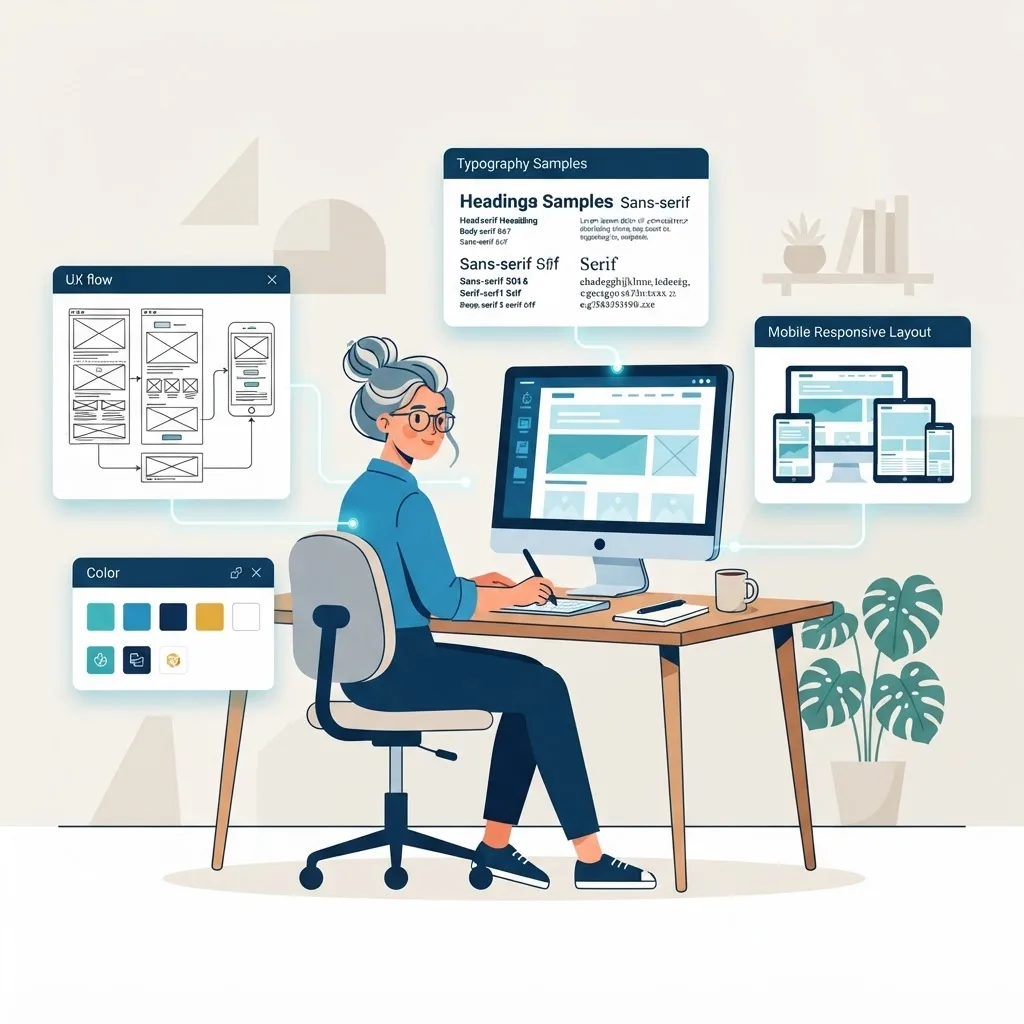
Ask ten people what a web designer does and you'll get ten different answers. Some picture someone picking fonts and colors; others imagine a coder building the whole site. The reality sits somewhere in between and is broader than most people expect. A web designer is responsible for shaping how a website looks, feels, and works — translating business goals and user needs into an experience that people find easy, trustworthy, and enjoyable to use.
Understanding these responsibilities matters whether you're hiring a designer, working with one, or considering the career yourself. It sets clear expectations and helps you judge whether the work is being done well. This guide breaks down the full scope of a web designer's role, from the research that happens before any design to the collaboration and refinement that continues after launch.
Table of Contents
- The core role of a web designer
- Understanding users and goals
- Information architecture and layout
- Visual design and branding
- Responsive and mobile design
- Accessibility and usability
- Collaboration with developers and stakeholders
- Frequently asked questions
- Final thoughts
The Core Role of a Web Designer
At its heart, a web designer is responsible for the user-facing experience of a website. That means everything a visitor sees and interacts with — layout, structure, typography, color, imagery, and the flow from one action to the next. But the visible result rests on a foundation of research, planning, and problem-solving that visitors never see.
A web designer sits at the intersection of aesthetics and function. Beautiful work that confuses users fails, and functional work that looks untrustworthy fails too. The designer's job is to balance both, making choices that serve the business goal — usually turning visitors into leads, customers, or engaged users.
Depending on the role and the organization, a web designer's responsibilities may lean more toward pure visual design or extend into some front-end coding. In smaller teams, designers often wear many hats; in larger ones, the role is more specialized and works closely with dedicated developers on the website design.
Understanding Users and Goals
Good design starts long before anyone opens a design tool. A web designer is responsible for understanding who the site is for and what it needs to achieve. That means researching the target audience — their needs, expectations, and pain points — and clarifying the business objectives the site must support.
This research phase might include reviewing analytics from an existing site, studying competitors, creating simple user personas, and mapping the journeys visitors will take. Skipping this step is one of the most common reasons designs fail: without knowing the audience and goal, even a gorgeous site is just decoration.
By grounding decisions in real user needs and clear objectives, a designer ensures every later choice — layout, wording, calls-to-action — has a purpose. This user-first mindset also aligns with Google's emphasis on creating content and experiences that genuinely help people.
Information Architecture and Layout
Before visuals come structure. A web designer is responsible for organizing content so visitors can find what they need quickly and intuitively. This is information architecture — deciding what pages exist, how they relate, and how navigation guides people through the site.
From there, the designer creates layouts and wireframes that establish the arrangement of elements on each page: where the headline sits, how content flows, where the calls-to-action appear. Good layout uses visual hierarchy to direct attention, making the most important elements impossible to miss and reducing clutter that competes for focus.
This structural work is where usability is won or lost. A logical architecture and clean layout make a site feel effortless, while a disorganized one frustrates visitors no matter how polished the graphics. Strong structure also helps search engines understand and index the site.
Visual Design and Branding
This is the part most people associate with web design, and it's a genuine responsibility — just not the only one. A web designer creates the visual identity of the site: color palettes, typography, imagery, iconography, spacing, and the overall aesthetic that communicates the brand's personality and builds trust.
Effective visual design isn't about personal taste; it's about supporting the brand and the goal. Colors carry meaning and emotion, typography affects readability and tone, and consistent styling makes a site feel credible and professional. The designer maintains this consistency across every page so the experience feels cohesive.
Visual design also involves creating or directing supporting assets. Whether working with a graphic design team or producing elements like an infographic design, the web designer ensures everything aligns with the brand and enhances rather than distracts from the message.
Responsive and Mobile Design
With most web traffic coming from mobile devices, a web designer is responsible for ensuring the site works beautifully on every screen size. This is responsive design — building layouts that adapt fluidly from large desktop monitors down to small phones without breaking or becoming hard to use.
Responsive design isn't just shrinking a desktop layout. A skilled designer rethinks how content should be prioritized and arranged on small screens, ensuring tap targets are large enough, text stays readable, and the most important actions remain easy to reach. Since Google indexes the mobile version first, this directly affects both usability and search performance.
Delivering a consistent experience across devices requires close attention to detail and testing on real screens. It's a responsibility that separates professional work from designs that only look good in a portfolio mockup, and it feeds directly into the front-end web development that brings the design to life.
Accessibility and Usability
A web designer is responsible for making sites usable by as many people as possible, including those with disabilities. Accessibility means ensuring sufficient color contrast, readable text, keyboard navigability, meaningful alt text for images, and interfaces that work with assistive technologies like screen readers.
This responsibility is both ethical and practical. An accessible site serves a wider audience, reduces legal risk, and often ranks better because many accessibility practices overlap with good SEO and usability. Designing to recognized standards such as the Web Content Accessibility Guidelines ensures the site works for everyone.
Usability extends beyond accessibility to the general ease of use for all visitors — clear labels, predictable behavior, forgiving forms, and obvious next steps. A designer continually asks whether a real person could accomplish their goal without confusion or frustration.
Collaboration With Developers and Stakeholders
Web design is rarely a solo act. A designer is responsible for communicating their vision clearly and collaborating with the people who bring it to life and rely on it. That includes developers who build the design, content writers who fill it, marketers who promote it, and stakeholders who fund it.
With developers, the designer hands off detailed specifications and design systems, answers questions, and reviews the build to ensure it matches the intent. Smooth collaboration here — often bridging design and back-end web development — prevents the gap between mockup and reality that plagues so many projects.
With stakeholders, the designer explains and justifies decisions, gathers feedback, and manages expectations. Being able to articulate why a design choice serves the goal is as important as the choice itself. And after launch, the designer often stays involved, refining the site based on data and supporting ongoing website maintenance and support.
A Day in the Life of a Web Designer
Job descriptions can make the role sound abstract, so it helps to see how these responsibilities play out in practice. A typical day rarely looks like hours of uninterrupted drawing in a design tool.
A morning might start by reviewing analytics or user feedback on a live project, spotting that visitors are dropping off on a particular step and sketching a quick fix. Mid-morning could be spent in a working session with a developer, walking through a design system and clarifying how a component should behave on mobile versus desktop.
After lunch, the designer might refine the visual details of a new landing page — tightening spacing, adjusting contrast for accessibility, choosing imagery that supports the message — then present those screens to a stakeholder and explain the reasoning behind each decision. Late in the day, they may run through a page with a screen reader or a contrast checker to catch usability issues before handoff.
Across all of it, the through-line is problem-solving in service of real people. The designer constantly shifts between big-picture strategy and pixel-level craft, translating goals into an experience. This blend of research, communication, and creation is why strong web design supports everything from a simple brochure site to a complex website design project, and why the role is so much more than decoration.
Frequently Asked Questions
1. Does a web designer need to know how to code? Not always, but it helps enormously. Many designers know HTML and CSS to communicate effectively with developers and understand what's feasible, while others focus purely on visual and UX design. The requirement depends on the role and team.
2. What's the difference between a web designer and a UX designer? A UX designer focuses specifically on user experience — research, flows, and usability — while a web designer often covers UX plus visual design and sometimes light development. The roles overlap, and titles vary between companies.
3. Is a web designer responsible for content? Designers shape how content is presented and often advise on structure, but writing the content is usually a content specialist's job. The best results come from designers and writers collaborating closely.
4. Do web designers handle SEO? Designers are responsible for SEO-friendly structure, fast layouts, and clean architecture, but keyword strategy and content optimization typically involve SEO specialists. Good design supports SEO even when it isn't the designer's primary focus.
5. What tools do web designers use? Common tools include design platforms for creating layouts and prototypes, along with browser tools and, increasingly, AI assistants. The specific tools matter less than the designer's understanding of users and goals.
6. Is a web designer responsible for a site after it launches? Often, yes. Many designers stay involved to refine the site based on real user behavior, fix issues, and support ongoing improvements as the business evolves.
7. How do I know if a web designer is doing a good job? Look beyond aesthetics to results: is the site easy to use, fast, accessible, and does it help you meet your goals? A strong designer can explain how their choices serve your business, not just how they look.
Final Thoughts
A web designer is responsible for far more than making a site look good. The role spans understanding users, structuring content, crafting visuals, ensuring responsiveness and accessibility, and collaborating across teams to turn a vision into a working product. The visible design is just the surface of a deep, multidisciplinary craft.
When you understand the full scope of these responsibilities, you can set clear expectations, evaluate work fairly, and appreciate why great web design is such a valuable investment. If you're looking for a designer or team that takes every one of these responsibilities seriously, reach out to us and let's talk about bringing your website to life.